PS2 BIOS Clock Battery Issue: Why Your PlayStation 2 Clock Keeps Resetting
You power on your PlayStation 2, the logo swirls onto the screen, and then… the system asks you to set the date and time. Again. You set it yesterday. If this keeps happening, you’re dealing with the classic PS2 BIOS clock battery issue — one of the most common quirks of aging consoles, and one of the easiest to fix.
The culprit is a tiny coin-cell battery on the motherboard that has simply run out of juice after twenty-plus years. The good news: the replacement costs a couple of dollars, the swap takes under half an hour, and your games and saves are never at risk in the meantime.
What the Clock Battery Does
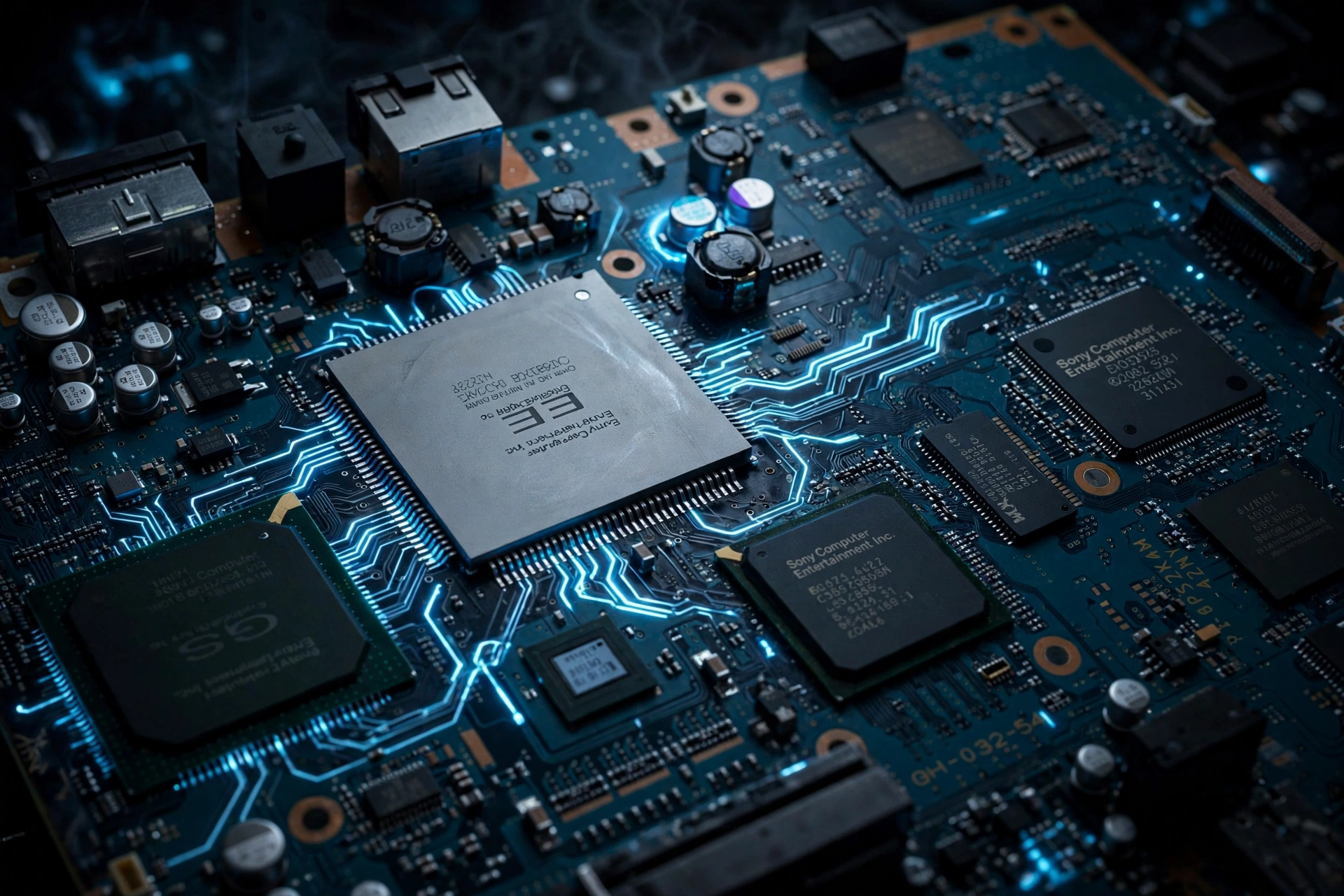
Inside your PS2, mounted on the motherboard, sits a small silver coin-cell battery — a CR2032, the same kind used in watches and car remotes. Its only job is keeping the console’s real-time clock running while the PS2 is unplugged.
At boot, the BIOS reads the time from this clock for system timestamps, save-file dates, and time-based game features. Without the battery, the clock forgets everything the instant mains power disappears, and the BIOS falls back to its factory default date.
The battery was designed to last five to ten years — and the youngest PS2 consoles are now well over a decade old. Heat, humidity, and long stretches spent unplugged all shorten its life further. If yours was never changed, its time has simply run out, which is why this issue is suddenly so widespread among retro collectors.
Symptoms to Watch For
Note: if the PS2 stays plugged in on standby (red light), the clock may survive even with a dead battery, since standby power keeps it alive. The problem appears when mains power is fully cut.
Does It Affect Games and Saves?
Here’s the reassurance most people need: a dead clock battery will not delete saves, damage memory cards, or stop games from running. Your game library and your hundred-hour RPG save are completely safe.
What suffers is anything depending on correct time: save timestamps become unreliable, and real-time-clock game features may trigger wrongly. Annoying, not catastrophic — and the fix costs less than a cup of coffee.
What About PCSX2 Emulation?
If you play on PCSX2 rather than original hardware, the physical battery is irrelevant — the emulator has no battery. It handles the system clock in software, syncing the virtual PS2’s time to your computer’s clock.
When “clock battery issue” comes up in emulation talk, it usually means one of two things: your PC’s own clock is wrong (fix it in system settings), or a boot problem is being misdiagnosed — black screens and crashes at startup point to a bad BIOS dump, not the clock.
How to Fix It: Replacing the CR2032
You need one fresh CR2032 battery and a small Phillips screwdriver. Allow 20–30 minutes.
Step 1: Power down fully
Switch off, unplug everything, and let the console sit a few minutes. Remove discs and memory cards.
Step 2: Open the console
Flip it over and remove the bottom screws (pop off the rubber feet and screw covers on fat models first). Lift the cover gently — don’t yank ribbon cables.
Step 3: Find and swap the battery
Locate the silver coin cell in its holder on the motherboard — on most models it’s clearly visible near the center of the board once the cover is off. Pop the old one out with a fingernail or plastic tool (avoid metal tools that could scratch the board) and press the new CR2032 in, positive (+) side up, seated flat and snug in the holder.
Step 4: Reassemble and test
Close it up, plug in, boot, and set the date and time. Then the real test: unplug overnight. Correct clock in the morning means the fix worked.
Take your time with the thin ribbon cables and never force anything. If opening the console makes you nervous, any retro repair shop can do this swap in minutes.
Frequently Asked Questions
Will a dead clock battery delete my saved games?
No. Saves live on memory cards, which the battery doesn’t touch. You lose accurate timestamps — nothing else.
What battery does the PS2 use?
A standard CR2032 3V lithium coin cell. Any reputable brand works; avoid no-name cells if you want the full 5–10 year lifespan.
How long will the replacement last?
Roughly five to ten years, depending on brand and storage conditions. Keeping the console plugged in (even on standby) reduces battery drain between sessions, and storing the console in a cool, dry place helps the new cell reach the upper end of that range.
The clock still resets with a new battery — why?
Check the battery is seated correctly, positive side up, and actually fresh (check the expiry date). Persistent failure suggests corroded holder contacts or a deeper board issue — time for a repair shop.
Does PCSX2 need a clock battery?
No. It emulates the clock in software synced to your PC. No battery, no maintenance.
Conclusion
The PS2 BIOS clock battery issue looks alarming but is one of the simplest aging-console problems there is: a two-dollar CR2032 and twenty careful minutes buys another decade of correct timestamps. And if you’ve moved to PCSX2, forget batteries entirely — keep your PC clock accurate and your BIOS dump clean.